Passport & Visa Photos
DV Lottery Photo Requirements: How to Prepare a 600×600 Photo
Learn the official DV Lottery photo size, pose, background and file rules, plus how to crop an original photo to 600×600 pixels safely.
By AI Photoshoots Team · 2026-08-29 · 9 min read
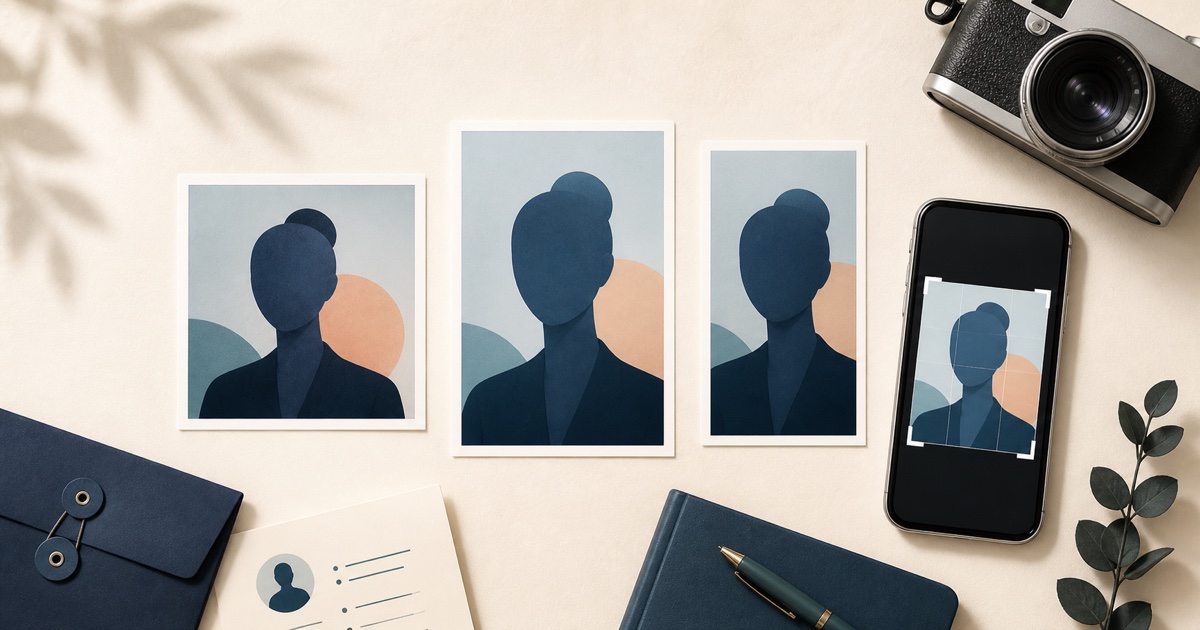
If you are preparing a photo for the U.S. Diversity Visa Program, the short answer is simple: a DV Lottery entry photo must be a square JPEG, exactly 600 × 600 pixels, and no larger than 240 KB. The photo must also show your current, natural appearance and follow strict composition rules.
People often search for an “America lottery passport picture,” “American lottery photo,” “USA visa lottery photo,” or “Green Card Lottery passport photo.” The official term is a Diversity Visa (DV) entry photo. It is not a U.S. passport photo, even though some of the pose and background rules are similar.
Important: Use a new, original photo. Do not use AI to create a face, replace the background, correct the pose, retouch skin, or change your appearance. The U.S. Department of State warns against manipulated DV photos. AI Photoshoots should be used only for permitted technical cropping and export—not its AI editing tools—for a DV submission.
DV Lottery photo requirements at a glance
According to the U.S. Department of State photo requirements, a DV entry image must meet these technical rules:
- Dimensions: exactly 600 pixels wide by 600 pixels high
- Aspect ratio: square, so height equals width
- File format: JPEG or JPG
- File size: 240 KB or less
- Color: a color image, not black and white
- Age: taken within the last six months and showing your current appearance
The person in the photo should also:
- Face the camera directly, with the full face visible
- Keep the head upright rather than tilted up, down, or sideways
- Have both eyes open and a neutral expression
- Stand in front of a plain white or off-white background
- Wear normal everyday clothing rather than a uniform
- Remove eyeglasses, headphones, wireless earpieces, and non-religious hats
- If wearing a religious head covering, it must be worn daily for a religious purpose, leave the full face visible, and cast no facial shadows
For a digital visa photo, the head—from the top of the hair to the bottom of the chin—should occupy 50% to 69% of the image height. Review the official photo composition template before submitting.
How to take a DV Lottery photo at home
1. Set up the background before taking the photo
Use a real, plain white or off-white wall, sheet, or backdrop. Stand several feet in front of it so the light does not create a hard shadow behind your head.
Do not plan to remove or replace the background later. For a U.S. visa or DV photo, it is safer to correct the physical setup and retake the picture than to repair it digitally.
2. Use soft, even light
Face a large window or use two similar lights placed in front of you, one on each side of the camera. Avoid a single overhead bulb, strong side light, colored light, beauty filters, and direct flash that produces red eye.
Check that:
- Both sides of the face are clearly visible
- Skin color looks natural
- There are no shadows across the face or background
- The image is sharp and not grainy
3. Ask someone else to hold the camera
Use the rear camera of a recent phone if possible. Place it at eye level, keep it straight, and stand far enough away to avoid wide-angle facial distortion. Leave space around the head and shoulders so the image can be cropped without cutting off the hair or chin.
Your photo should show one person only. Take a separate photo for every family member who must be included in the entry, following the current DV instructions.
4. Keep your appearance natural
Look directly into the lens with both eyes open and use a neutral, closed-mouth expression. Wear normal clothing. Remove eyeglasses and anything that covers or distracts from the face.
Do not submit a selfie with an extended arm visible, a social-media portrait, a scan of a driving licence, or a photo copied from another official document.
How to crop an original photo to 600 × 600 pixels
If the original photo already has the correct pose, lighting, background, and head position, you can use the free 600 × 600 photo maker for a crop-only export. It processes the image in your browser and does not use generative AI:
- Choose your original image.
- Review the center square crop preview.
- Select the 240 KB maximum-size preset.
- Create and download the 600 × 600 JPEG.
- Confirm that the entire head is visible, the face is centered, and the head size follows the official template.
- Recheck the downloaded file and the current government instructions before submission.
The tool changes only the center crop, dimensions, JPEG encoding, and file size. It does not fix the background, pose, expression, lighting, head position, or eligibility. If the preview removes important space or places the head incorrectly, retake the original instead of trying to repair it.
The Department of State also provides its own cropping tool. Whichever crop tool you use, it does not guarantee acceptance. The final decision belongs to the U.S. government.
Common reasons a DV photo can fail
Using the wrong dimensions
A 35 × 45 mm portrait is not the same shape as a 600 × 600 DV image. A 2 × 2 inch printed photo is square, but a digital DV entry still needs the required JPEG dimensions and file size.
Reusing an old photo
Do not reuse the same photograph submitted with a prior-year DV entry. Current annual DV instructions say doing so will make you ineligible; submit a new photo taken within the last six months.
Digitally fixing the face or background
Background replacement, face reshaping, skin smoothing, eye correction, pose correction, generative fill, and AI-created portraits can make an image ineligible. Retake the photo instead.
Cropping too close or too far away
Even a technically correct 600 × 600 file can fail if the head is too large, too small, off-center, or partly cut off. Compare the final crop with the official composition template.
Wearing glasses or covering the face
Remove eyeglasses for a DV entry photo. A religious head covering may be allowed when it is worn daily for a religious purpose, but the full face must remain visible and the covering must not cast facial shadows.
Using an unofficial entry website
DV entry is submitted through the official government site identified in the current Diversity Visa instructions. AI Photoshoots does not submit a DV entry and is not affiliated with the U.S. government.
DV entry photo versus interview photos
A DV entrant uploads a digital image with the online entry. Each DV applicant selected for interview must bring two identical 2 × 2-inch (51 × 51 mm) photos printed on photo-quality paper.
Do not assume the digital file is the only photo you will ever need. Read the instructions for your exact stage and prepare new photos if requested.
Frequently asked questions
Is a DV Lottery photo the same as a passport photo?
No. A DV entry photo is a photo submitted for the Diversity Visa Program. A U.S. passport photo is submitted by a U.S. citizen or national for a passport application. Some composition rules overlap, but the application, digital specifications, and submission process differ.
Can I make my DV photo with AI?
Do not use an AI-generated or AI-edited image for a DV entry. Start with a new original photograph that already has the correct background, lighting, pose, expression, and appearance. Use crop-only tools if needed.
Is 600 × 600 pixels always required?
The Department of State’s current DV entrant page specifies exactly 600 × 600 pixels. Requirements can change, so verify the live official instructions for the DV program year in which you enter.
Can I use the same photo for my DS-160 student visa?
Do not assume one file works everywhere. General DS-160 digital photos can have a different permitted dimension range. See our U.S. student visa and DS-160 photo guide and check your embassy or consulate’s instructions.
Does a 600 × 600 crop guarantee acceptance?
No. Pixel size is only one requirement. A government employee decides whether a photo is acceptable after considering recency, identity, pose, expression, lighting, background, quality, and other rules.
Final DV photo checklist
Before uploading, confirm all of the following:
- New color photo taken within six months
- Original, natural appearance with no AI or retouching
- One person, full face, direct gaze, eyes open, neutral expression
- Real plain white or off-white background
- Even lighting with no facial or background shadows
- No glasses, headphones, or prohibited headwear
- Square JPEG, exactly 600 × 600 pixels
- File size of 240 KB or less
- Head size and position checked against the official template
- Current program-year instructions reviewed on a
.govwebsite
Taking the photo correctly is more important than trying to repair a poor photo afterward. Start with a compliant original, make only the permitted crop and export, and verify every detail against the current official instructions.
Last reviewed: August 29, 2026. Government requirements can change; always follow the current instructions for your program year.