Passport & Visa Photos
U.S. Student Visa Photo Requirements: DS-160 Size Guide
Prepare an F-1 or M-1 student visa photo with the current DS-160 dimensions, file limits, composition checklist and upload-failure steps.
By AI Photoshoots Team · 2026-08-29 · 9 min read
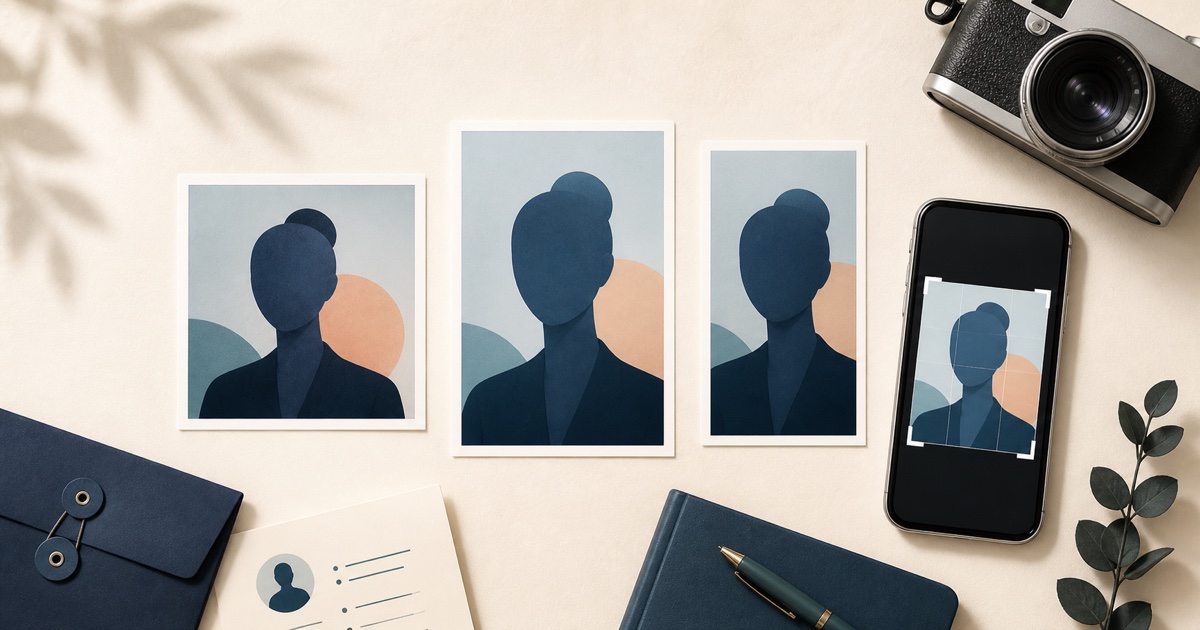
Students applying for an F-1 or M-1 visa normally upload a digital photo while completing Form DS-160. A safe technical target is a square JPEG between 600 × 600 and 1200 × 1200 pixels, no larger than 240 KB, but the file must also meet the U.S. government’s composition and appearance rules.
Important: A U.S. student visa photo must show your original, current appearance. Do not use AI generation, background replacement, face retouching, beauty filters, or pose correction. If your source photo is not already suitable, take a new one.
Who needs a DS-160 student visa photo?
The official U.S. student visa guidance says students applying for F or M visas upload a photo while completing the DS-160. J-1 exchange visitors also complete a DS-160 and should follow the relevant visa photo instructions.
This is different from:
- A passport issued by your home country
- A university admission portal profile image
- A student ID card photo
- A scholarship, examination, internship, or résumé headshot
Each of those can have its own rules. A university asking for a “passport-size photo” does not automatically mean it wants a U.S. DS-160 file.
DS-160 digital photo size and file requirements
The Department of State’s digital image requirements currently specify:
- Aspect ratio: square
- Dimensions: at least 600 × 600 and no more than 1200 × 1200 pixels
- File type: JPEG
- File size: 240 KB or less
- Color: 24-bit color in the sRGB color space
- Compression: no more than a 20:1 compression ratio
These are technical upload rules, not a complete acceptance test. Your photo also needs the correct pose, head size, lighting, background, recency, and image quality.
U.S. visa photo composition checklist
The official visa photo page says the image should be:
- In color and taken within the last six months
- A full-face view taken directly in front of the camera
- Sharp, clear, and properly exposed
- Taken against a plain white or off-white background
- Evenly lit, without distracting shadows
- A neutral expression with both eyes open
- Taken in normal daily clothing, not a uniform
For a digital image, the head should occupy 50% to 69% of the total image height. Eyeglasses are generally not allowed in new visa photos, except for a rare documented medical reason. Headphones and wireless devices are not acceptable. A religious head covering may be permitted when it is worn daily for a religious purpose, the full face is visible, and it does not create facial shadows.
How to take a student visa photo with a phone
Prepare a real background
Use a plain white or off-white wall or backdrop with no texture, objects, or lines. Stand several feet away from it to reduce shadows. Do not take the photo against a colorful wall and plan to replace the background later.
Set the camera at eye level
Ask another person to take the photo. Keep the phone upright and level, use the rear camera when available, and step back rather than using a close wide-angle selfie. Leave enough space to crop a centered square around the head and upper shoulders.
Use balanced light
Face a window or use two soft lights in front of you. Avoid harsh overhead lighting and direct flash. The face should have natural color and visible detail on both sides, with no red eye or background shadow.
Use a neutral pose
Face the lens directly, hold your head upright, open both eyes, and use a neutral closed-mouth expression. Remove glasses, headphones, hats, lanyards, and items that obscure the face unless an official exception applies.
Review the original before cropping
Zoom in and check focus around the eyes and hair. If the photo is blurred, grainy, shadowed, tilted, or poorly framed, retake it. Digital repair can create a new problem for an official application.
How to prepare the square file without changing your appearance
When the original photo already meets the government’s visual rules, the free 600 × 600 photo maker can create a crop-only file without generative AI:
- Choose the original photograph.
- Review the center square crop preview.
- Select the maximum file-size limit required by the current instructions.
- Create the exact 600 × 600 JPEG.
- Compare the result with the official composition template.
- Confirm the final dimensions and file size before uploading.
The tool changes only the center crop, dimensions, JPEG encoding, and file size. Cropping cannot rescue an image with the wrong pose, background, lighting, expression, or identity details.
AI Photoshoots does not test government acceptance, submit the DS-160, or represent a U.S. embassy or consulate.
What if the DS-160 photo upload fails?
The Department of State’s DS-160 FAQ explains that an X in the photo box on the confirmation page means the upload failed. You must bring one 2 × 2-inch (51 × 51 mm) printed photo that meets the requirements, together with the DS-160 confirmation page, and follow the interview post’s instructions.
If the confirmation page displays your photo, the upload succeeded under the general DS-160 guidance. Always check the instructions for the specific embassy or consulate where you will interview, because a post may request an additional printed photo or have local procedures.
Student visa photo versus university application photo
A visa photo is a regulated government identity image. A university application photo is controlled by the school or application platform.
For the visa photo:
- Follow U.S. Department of State rules
- Use an original, unedited image
- Do not use AI or background replacement
- Follow the DS-160 technical specifications
For a school application photo:
- Read the exact portal instructions
- Check whether “passport-size” describes dimensions, composition, or both
- Confirm the required file format and maximum size
- Ask whether light retouching or an AI-generated image is prohibited
See our passport-size photo guide for university applications for a practical decision checklist.
Common DS-160 photo mistakes
Uploading a portrait rectangle
A common 35 × 45 photo is not square. Choose a 1:1 crop for the DS-160 digital image.
Confusing pixels and printed inches
Pixels describe a digital file. Inches and millimetres describe a physical print. A 600 × 600 JPEG and a printed 2 × 2 photo may share a square shape, but they are not interchangeable submission instructions.
Using a professional headshot
A LinkedIn-style photo may have dramatic lighting, a blurred office, angled shoulders, a smile, or retouching. Those choices can work for career branding but not for a regulated visa photo.
Editing the background
If the real background is unacceptable, take a new picture against a suitable background. Do not cut out the person or generate a white backdrop with software.
Ignoring the interview post’s instructions
The DS-160 upload is only one step. Review your embassy or consulate’s site for printed-photo requirements and interview procedures.
Frequently asked questions
Is a U.S. student visa photo 600 × 600 pixels?
The general Department of State digital-image range is 600 × 600 through 1200 × 1200 pixels, with a square aspect ratio. A 600 × 600 file is within that range. Verify the live DS-160 and embassy instructions before applying.
Can I use my university application photo for the DS-160?
Only if the original photo independently meets every current U.S. visa rule. School portals often have different size and styling requirements, so do not assume the files are interchangeable.
Can I smile in a student visa photo?
Use a neutral expression with both eyes open; do not use a broad smile or show teeth.
Can I wear glasses?
Eyeglasses are generally not allowed in new U.S. visa photos. A rare medical exception requires supporting documentation and must still leave the eyes unobstructed.
Can AI Photoshoots make the white background?
Do not use AI background replacement for a U.S. visa photo. Photograph yourself against a real plain white or off-white background. The app can be used for a permitted square crop and JPEG export of an already suitable original.
Final student visa photo checklist
- Original color photograph taken within six months
- Square JPEG between 600 × 600 and 1200 × 1200 pixels
- File size no larger than 240 KB
- Full face, direct gaze, both eyes open, neutral expression
- Correct head size and centered composition
- Plain real white or off-white background
- Even lighting, natural color, and sharp focus
- No AI, filters, retouching, background replacement, or facial changes
- Local embassy or consulate instructions reviewed
- Printed backup prepared if the confirmation page shows a failed upload
Prepare the photo early enough to retake it if necessary. The easiest compliant edit is often no edit at all: capture the background, light, pose, and expression correctly, then make only the required crop and export.
Last reviewed: August 29, 2026. Visa procedures can change; always follow current Department of State and interview-post instructions.