Passport & Visa Photos
Passport Photo Size Guide: 2×2, 35×45 and 600×600 Explained
Compare 2×2-inch, 35×45-mm and 600×600-pixel photos so you can choose the correct crop for passports, visas and application portals.
By AI Photoshoots Team · 2026-08-29 · 8 min read
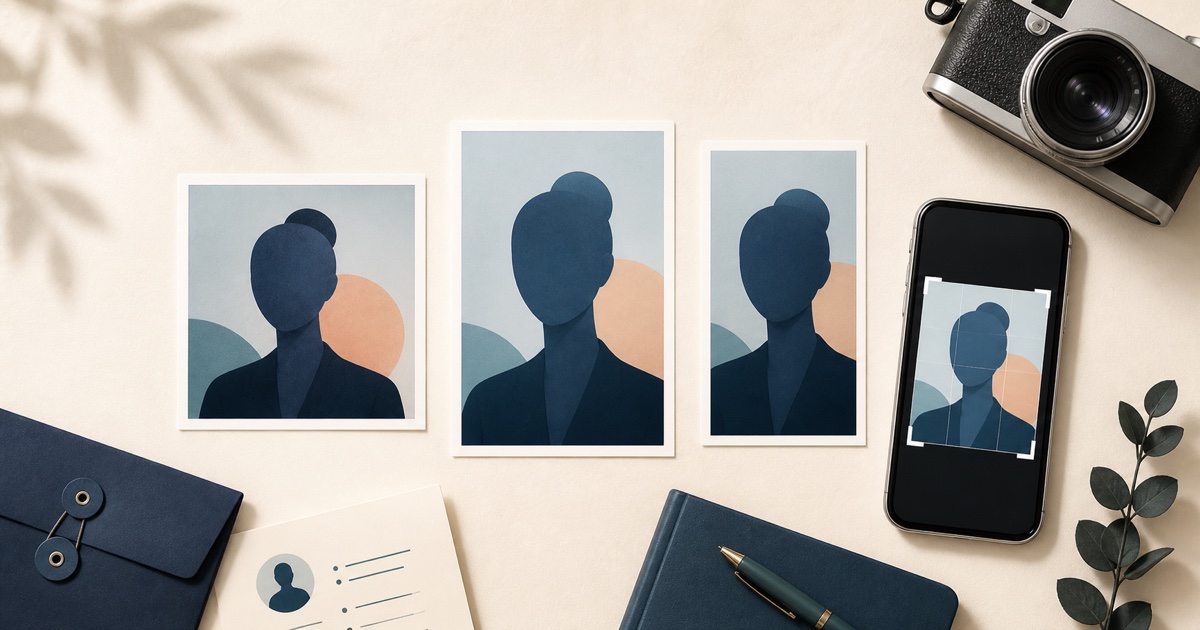
Passport and application photos do not have one universal size. 2 × 2 inches is square, 35 × 45 mm is a portrait rectangle, and 600 × 600 pixels is a square digital file. Choosing the wrong one can cause an upload error, delay, or rejected photo even when your face and background look correct.
This guide explains the most commonly confused formats and how to prepare a crop without stretching the image.
Always check the receiving authority’s current instructions. Country, document, application method, and online versus paper submission can all change the required size. A crop tool cannot guarantee acceptance.
The quick size comparison
600 × 600 pixels
This is a square digital image. The U.S. Department of State currently requires an online Diversity Visa entrant’s photo to be exactly 600 × 600 pixels, in JPEG format, and no larger than 240 KB.
General DS-160 visa digital images use a square range from 600 × 600 to 1200 × 1200 pixels. Read the current U.S. visa digital image requirements for full details.
2 × 2 inches or 51 × 51 mm
This is a square printed photo. The U.S. passport photo requirements specify a 2 × 2 inch print for paper applications. DS-260 immigrant-visa applicants and DV selectees must provide two identical 2 × 2-inch photos per applicant at interview under the current visa instructions.
Two inches is about 51 millimetres, so you may see the size written as 51 × 51 mm.
35 × 45 mm
This is a vertical 7:9 rectangle. It is used for some countries and documents, including a 45 mm high by 35 mm wide printed British passport photo under current GOV.UK guidance.
It is not the correct shape for a U.S. DV digital image, DS-160 digital image, or U.S. 2 × 2 passport print.
50 × 70 mm
This is a taller 5:7 rectangle. Current Canadian passport guidance uses 50 mm wide by 70 mm high for paper applications and also requires commercial photography and unaltered originals. It should not be cropped as 35 × 45.
Pixels, millimetres, and inches are not the same thing
Pixels describe the dimensions of a digital image. Millimetres and inches describe the physical dimensions of a print.
A 600 × 600 pixel image does not have one fixed print size until it is printed at a chosen pixel density. For example, 600 pixels printed at 300 pixels per inch produces a 2-inch side. But an online portal may care only about pixels and file size, while a paper application cares about the measured print and head size.
Do not convert blindly. Follow the units used by the receiving authority.
Which photo size do I need?
U.S. Diversity Visa entry
Use a square JPEG that is exactly 600 × 600 pixels and no larger than 240 KB, following the current Department of State visa photo page. Read our complete DV Lottery photo requirements guide before preparing the file.
U.S. student, visitor, or other DS-160 visa
The general digital image requirement is a square JPEG from 600 × 600 through 1200 × 1200 pixels, up to 240 KB. Your specific form and interview post may add instructions. Students can use our DS-160 student visa photo guide.
U.S. passport with a paper form
Use one original, unedited 2 × 2 inch color photo on matte or glossy photo-quality paper. The head must be correctly centered and sized. Do not submit an AI-generated, retouched, digitally replaced-background, scanned, or filtered photo.
U.S. passport renewal online
Do not prepare it as though it were the paper 2 × 2 workflow. The current online renewal photo instructions ask for an original digital file in JPG, JPEG, PNG, HEIC, or HEIF format between 54 KB and 10 MB. The government application lets the applicant reposition or crop the photo during upload.
UK paper passport application
Current GOV.UK instructions use a printed photo 45 mm high by 35 mm wide. Digital passport applications have their own workflow, so read the current page for the application method you are using.
Canadian passport application
Current Canadian paper-photo instructions use 50 × 70 mm photos taken in person by a commercial photographer or studio. They must be original and unaltered, and the back-of-photo requirements also matter. A generic app export does not replace that process.
University, scholarship, exam, or student ID portal
Use the institution’s exact width, height, aspect ratio, file type, and file-size limit. “Passport-size” is not precise enough on its own. See our student application photo guide.
How to resize a photo when the receiving portal permits it
Use the free photo tools hub to choose a technical workflow only after the receiving portal permits resizing or compression:
- Use the 600 × 600 photo maker for an exact center-cropped square JPEG.
- Use the student application photo resizer when a school portal gives a maximum KB limit and the existing aspect ratio is already correct.
- Use the image compressor for general websites that accept a smaller JPEG or WebP without requiring a new crop.
- Use an authority-provided workflow when the application specifies one.
These tools do not certify the pose, head size, print quality, background, recency, or document eligibility.
Do not use the editor for U.S., UK, or Canadian passport applications. Those authorities require original or unaltered photos and provide their own workflow or photographer requirements. For U.S. online renewal, upload the original to the government application and crop it there. For any official submission, use only tools expressly permitted by the receiving authority and never use AI editing, retouching, filters, pose correction, or background replacement where an original photo is required.
Why stretching is never the answer
Changing a 35 × 45 image into a square by squeezing or widening it distorts the face. It can also make a photo unsuitable for biometric comparison.
A proper resize workflow should:
- Choose the target aspect ratio.
- Crop excess space from the edges.
- Keep the face’s original proportions.
- Export at the requested pixel dimensions.
If the original does not leave enough room for the new crop, retake it from farther away. Do not invent missing hair, shoulders, or background with AI for an official image.
Head size matters as much as canvas size
A 600 × 600 file can still be wrong if the face is too close or too distant. A 35 × 45 print can still be wrong if the crown-to-chin measurement falls outside that authority’s range.
Always compare the final photo with the official composition diagram. Check:
- Head height
- Eye position
- Horizontal centering
- Space above the hair
- Visibility of the chin, face outline, and shoulders
- Whether hair or headwear is cut off
These measurements vary, so a correct outer rectangle is only the beginning.
File size and image dimensions are different
Dimensions tell you the number of pixels. File size tells you how much storage the file uses.
Two JPEGs can both be 600 × 600 pixels while one is 90 KB and the other is 400 KB. JPEG quality, detail, and compression affect file size. If a portal has a small limit, reduce JPEG quality gradually and keep checking that the eyes, hair, and face remain sharp.
Do not repeatedly save and recompress the same file. Export new versions from the original so image quality does not deteriorate.
Original photo versus AI-edited photo
Many passport and visa authorities use the image for identity and biometric checks. The U.S. passport guidance explicitly says not to change a photo with software, phone apps, filters, or AI. Canada also requires unaltered originals for passport applications, while UK passport guidance rejects digital enhancement.
That means an image can look visually “perfect” and still be unacceptable because of how it was made.
Use AI Photoshoots’ creative and professional features for appropriate uses such as LinkedIn, portfolios, team pages, and non-official profile photos. For a regulated identity document, follow the authority’s original-photo policy and limit processing to specifically permitted technical steps.
Frequently asked questions
Is 35 × 45 the standard passport photo size?
It is a common format, but it is not universal. The U.S. uses a square 2 × 2 inch print for paper passport applications, while Canada uses 50 × 70 mm. Always check the country and application method.
Is 600 × 600 the same as 2 × 2 inches?
They can describe the same square shape, and 600 pixels at 300 pixels per inch prints as 2 inches. But one is a digital specification and the other is a physical print measurement. Follow the exact submission instruction rather than treating them as automatically interchangeable.
Can I turn a portrait photo into a square photo?
Yes, if there is enough space around the face to crop the sides or top and bottom without cutting off required details. Do not stretch it. If the head becomes too large for the target composition, retake the original from farther away.
Which preset should I use for a DV Lottery photo?
Use Square (1:1) and set the output to 600 × 600 pixels. Do not use the 7:9 Passport preset. Start with an original photo that already meets every visual rule, and do not use AI editing.
Should I use the editor for a passport photo?
Only if that passport authority expressly permits the processing step. Do not use the editor for U.S., UK, or Canadian passport photos; follow the official workflow or photographer instructions instead. No tool can guarantee that an authority will accept a photo.
The safest workflow
- Open the official instructions for your document and application method.
- Write down the size, head-position, background, recency, format, and editing rules.
- Take a new original photo that meets the visual requirements before editing.
- If the rules permit cropping, select the exact aspect ratio without stretching the face; otherwise use the required original or professional-photo process.
- For a permitted digital workflow, export the requested pixel dimensions as JPEG, PNG, or WebP only when that format is accepted.
- Measure printed photos after printing.
- Check the final image against the official examples and composition template.
The correct size is the one published by the organization receiving your photo—not the most common preset in an app or photo booth.
Last reviewed: August 29, 2026. Photo standards change; verify the live official source before submitting.